'%20stroke='url(%23redblueGradient)'%20stroke-width='16'%20d='M%200,256%20l%20128,-256%20l%20128,256%20h%20-65%20l%20-24,-48%20h%20-32%20q%20-20,10%20-30,30%20q%20-5,15%20-25,30%20z%20M%20128,80%20l%20-32,64%20h%2064%20z%20'%20/%3e%3cpath%20id='fillA'%20fill='url(%23greenyellowGradient)'%20stroke='none'%20d='M%208,256%20l%20120,-240%20l%20120,240%20h%20-60%20l%20-30,-60%20h%2015%20l%20-5,-10%20h%20-45%20q%20-30,10%20-40,30%20h%20-10%20l%20-10,15%20h%2010%20q%20-5,15%20-25,25%20z%20M%20128,95%20l%20-20,40%20h%2040%20z%20'%20/%3e%3cpath%20id='fillT'%20fill='url(%23redblueGradient)'%20stroke='none'%20d='M%20123,186%20h%2045%20l%2015,30%20h%20-15%20l%2020,40%20h%20-15%20l%20-20,-40%20h%20-15%20z%20'%20/%3e%3c/svg%3e)
Atesignaling server 1.0.0 release
Atesignaling server is ateditors sync function WebRTC signaling server. The server powered by nodejs and ws package.
You can download the source code from codeberg. Then unpack the file:
tar xzf ./atesignaling-main.tar.gzGo to the directory and run the command to install ws package:
cd atesignaling
npm install
Next please add one account to config/default.json. The account passphrase hash credential data is generated by cryptsha512.js file like below:
node ./cryptsha512.js "secure_passphrase"The command out look like:
[
  '/usr/local/bin/node',
  '/Users/andy/src/nodejs/atesignaling/cryptsha512.js',
  'secure_passphrase'
]
crypt:  $6$rounds=67909$qhJTcJaVcFrVv2bU$8uKkB5DbsalsgKVjMc8SfTu9wudRzgx0Cf9alU3u1DAvPHBZI2E2VJz8FTBdPU1VJl8w5LLqjwtAfqMBS9vBP/
Then fill the line string below crypt to account credential field like below:
  "accounts": [
    {
      "username": "iamfirefoxfan",
      "credential": "$6$rounds=67909$qhJTcJaVcFrVv2bU$8uKkB5DbsalsgKVjMc8SfTu9wudRzgx0Cf9alU3u1DAvPHBZI2E2VJz8FTBdPU1VJl8w5LLqjwtAfqMBS9vBP/"
    }
  ],
Now yon can start your server by run the command:
npm run dev
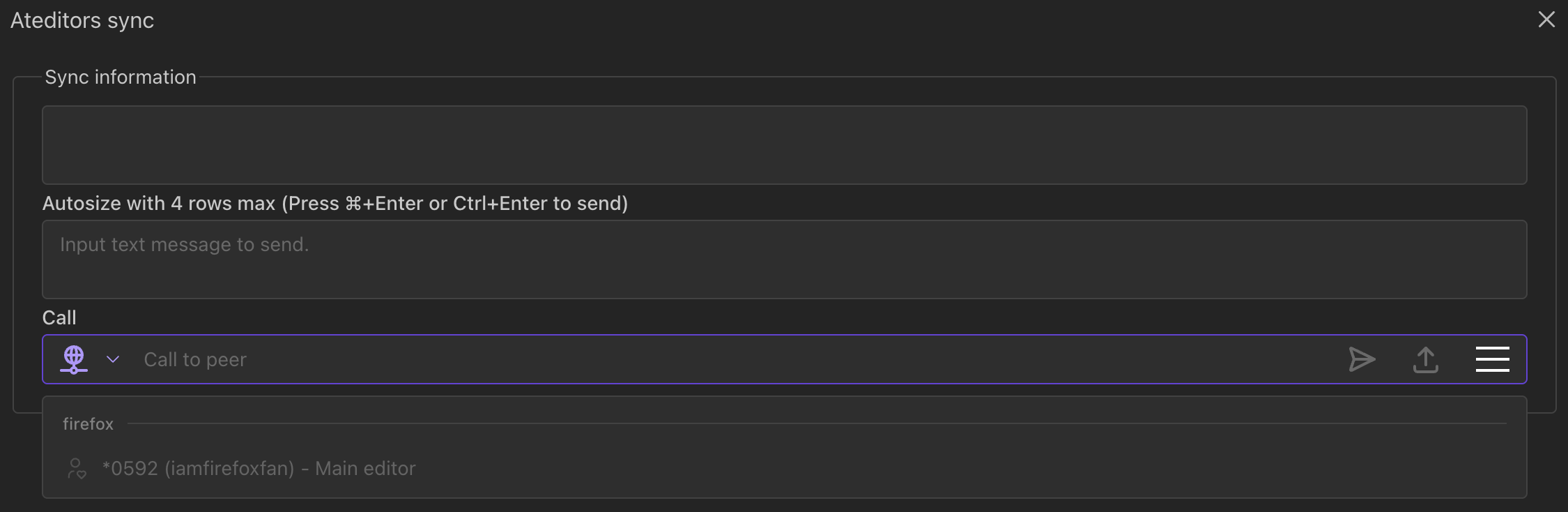
To use the signaling server, you can visit ateditors demo site to run sync function. Add the signaling server field values like below:

You should fill your ICE/stun server field value for using full WebRTC function (now only send text message and transfer file).